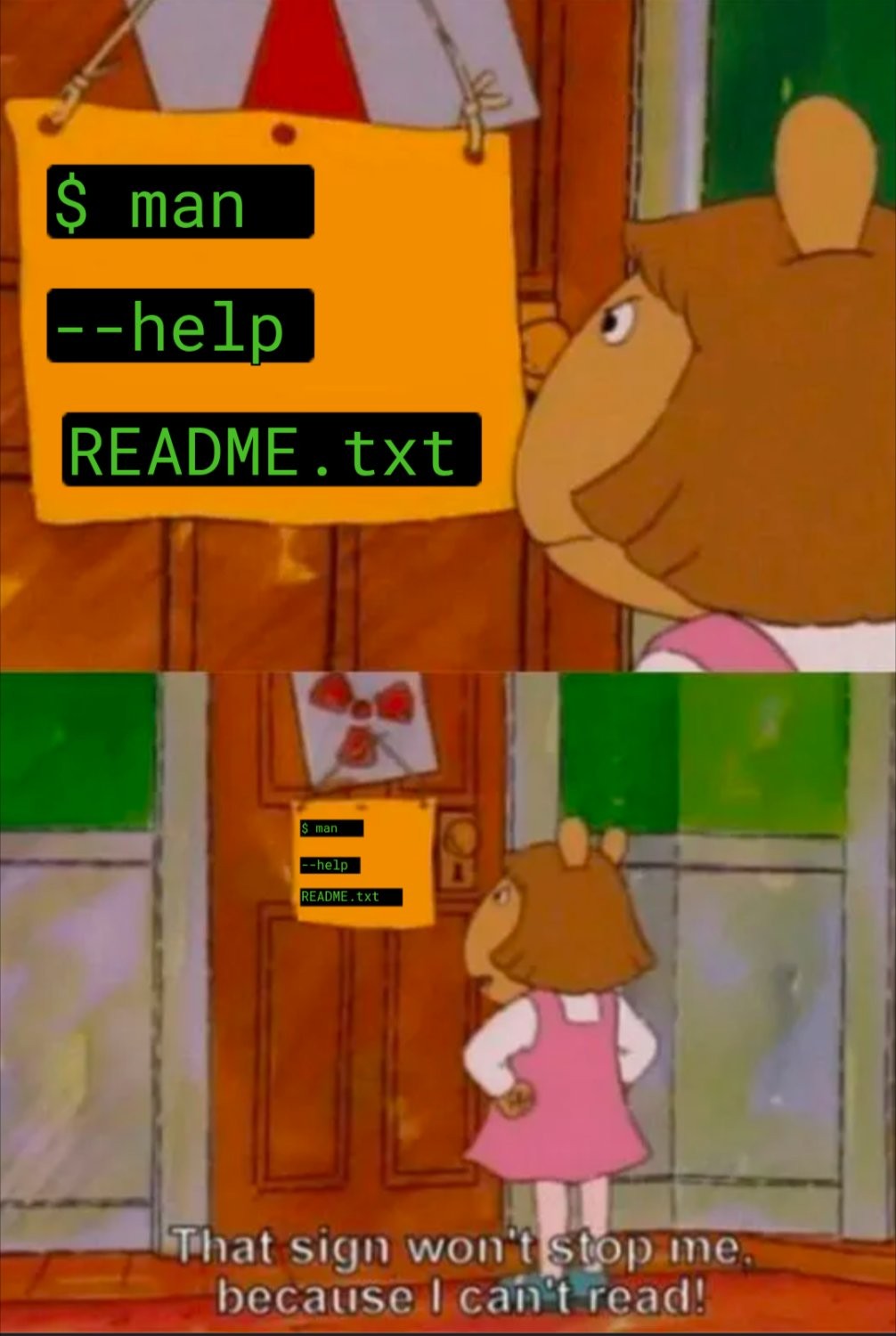
tldrmost of the time when i read man pages i come out even more clueless than before
Check
tldr
It’s a bash builtin, so none of these work anyway.
FWIW, most if not all bash builtins turn up when searching in
man bashfor [four spaces]command-name[space], but as someone else points out, thehelpcommand also er, helps.Or you could read the info pages.
Maybe it’s the (default) configuration on my distro, but
info bashis the same information asman bashbut with no bold text for headings and things. Ironically, I think I’d have to sit down withman infoorinfo infofor an hour or two before I could figure out how to get that formatting to show up ininfo.Info pages are supposed to be way way more comprehensive than man pages. At least for the Gnu stuff since nobody else ever bothered with info (which can be painful to use for newcomers with the cli browser, although the kde help browser integrates info files flawlessly, of course).
That sign won’t stop me, because I can’t read!
$ man ls | spd-say -eEDIT: If you run the above, it looks like speech-dispatcher splits the thing up into a bunch of different consecutive blocking requests, which means that it’s a pain in the neck to stop with a single command. You might want to leave
while true; do spd-say -S; donerunning for a bit to make it actually stop talking.